
 Free and open source · for Windows
Your Minecraft servers, run from any browser.
Craftlio turns the Windows machine you already have into a friendly server host. Create a server in a few clicks, keep it backed up, see how it's doing, and let friends in, from your desk or your phone.
Try the live demo first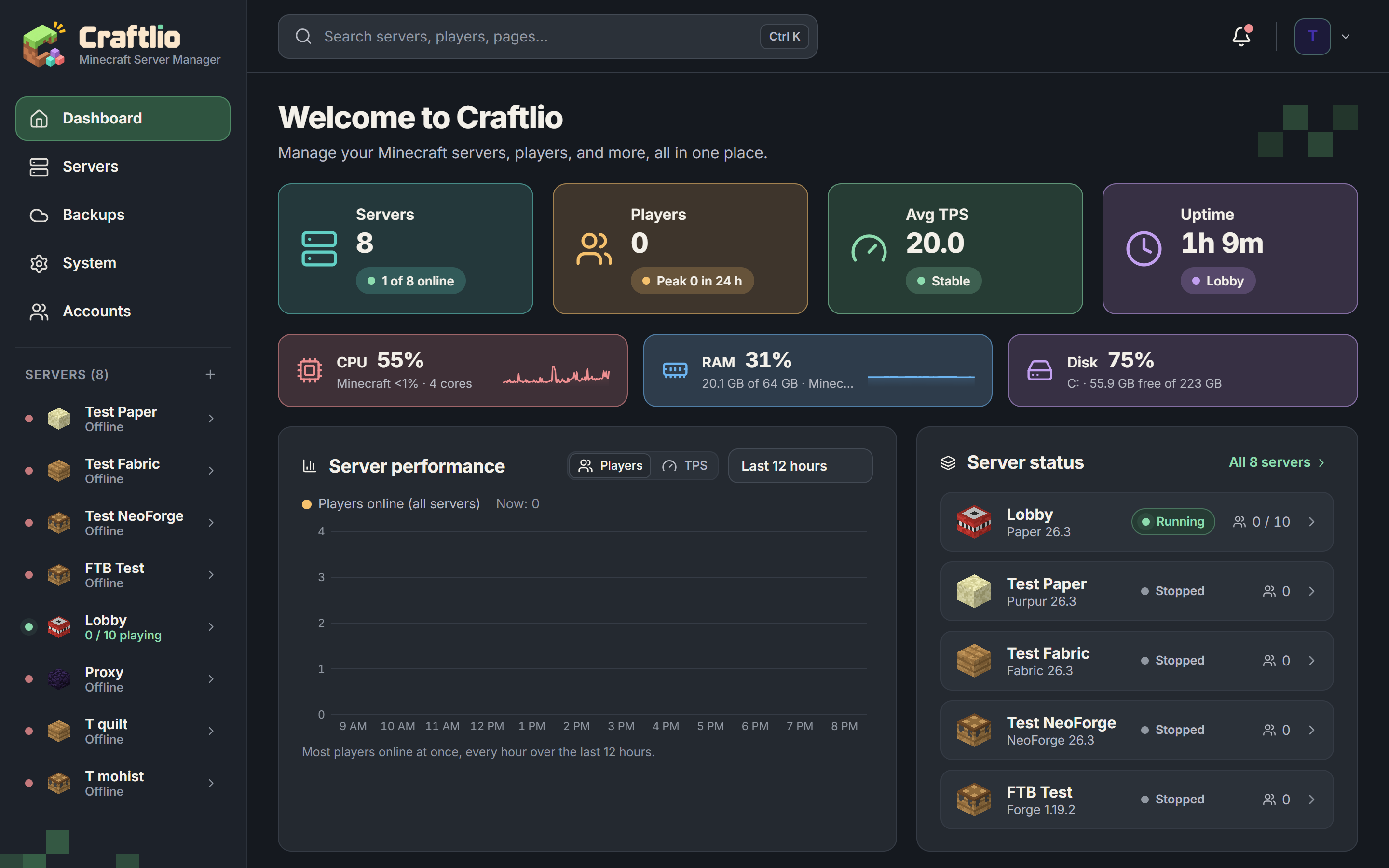
Runs the software you already play
Every major server type, Velocity networks, and modpacks straight from the big sites, or upload a pack of your own. Craftlio fetches the right Java for each one.









 Modrinth packs
 CurseForge packs
 FTB packs
Everything a server needs, in one place
What Craftlio does for you, next to paying a hosting company or running the server on its own.
| Feature |  Craftliofree, on your machine | Paid hostinga monthly fee | Server alonejust a start.bat |
|---|---|---|---|
| Any server in a few clicksVanilla to modpacks, with the right Java fetched for you. Up to four at once. | Yes | Yes | No |
| Sleep when emptyA quiet server frees its memory and wakes the moment a friend joins. | Yes | Partly, or only some | No |
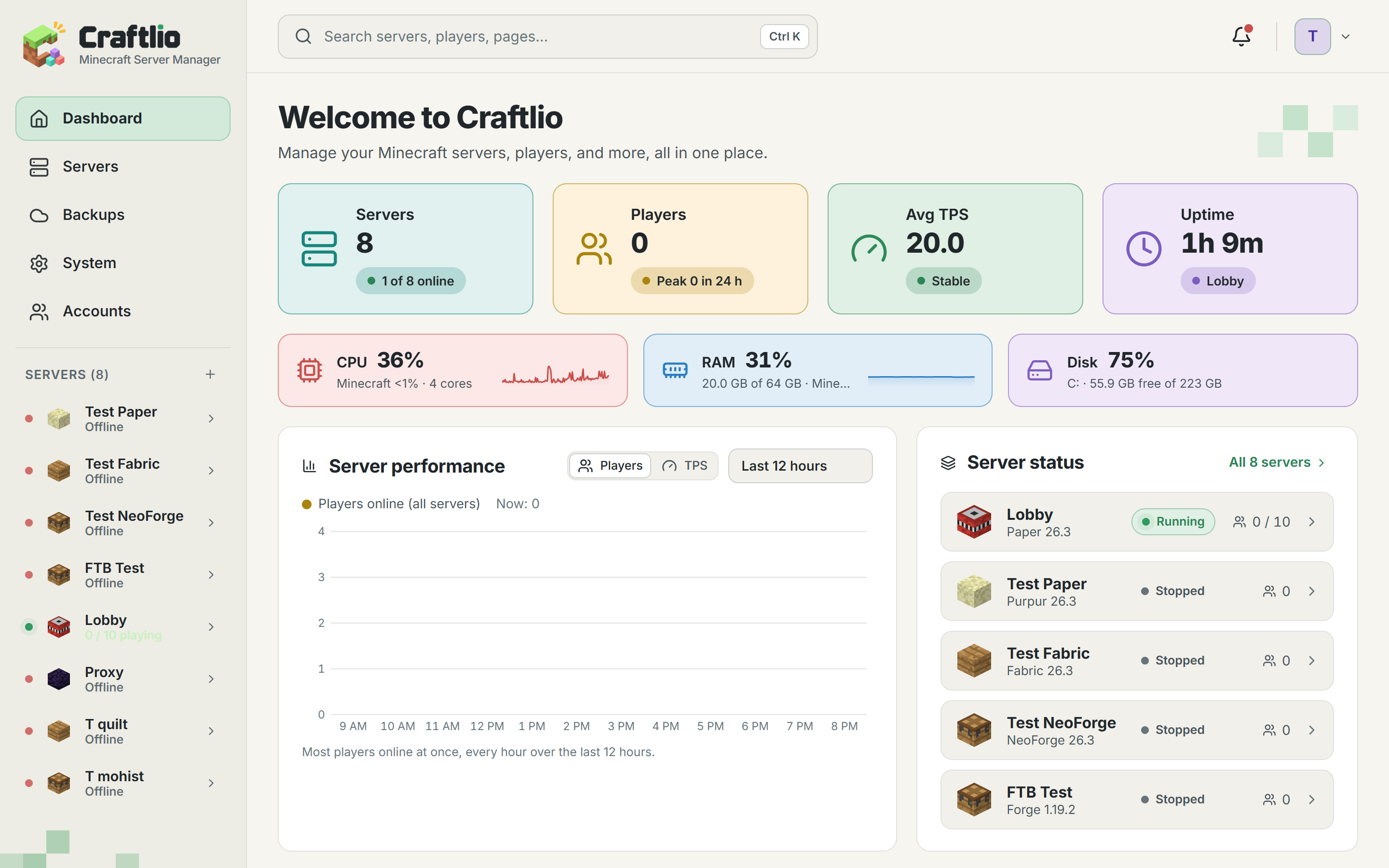
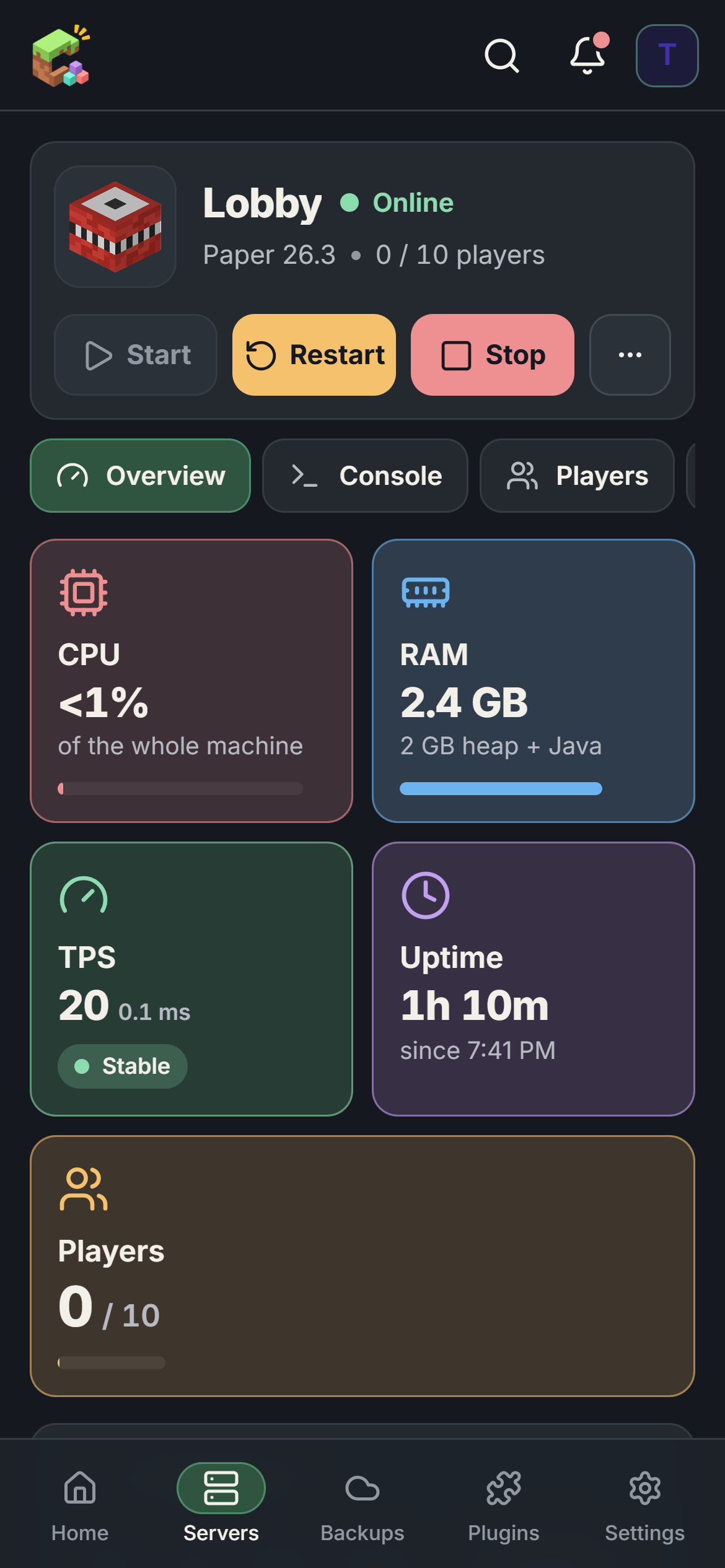
| Watch it from anywhereLive console, graphs and alerts on any browser or your phone, plus a Discord bot. | Yes | Partly, or only some | No |
| Mods, plugins and modpacksFrom Modrinth, CurseForge, Hangar and SpigotMC, with updates, undo and test copies. | Yes | Partly, or only some | No |
| Worlds and a live mapUpload, switch, pre-generate and trim worlds, and a BlueMap web map for friends. | Yes | Partly, or only some | No |
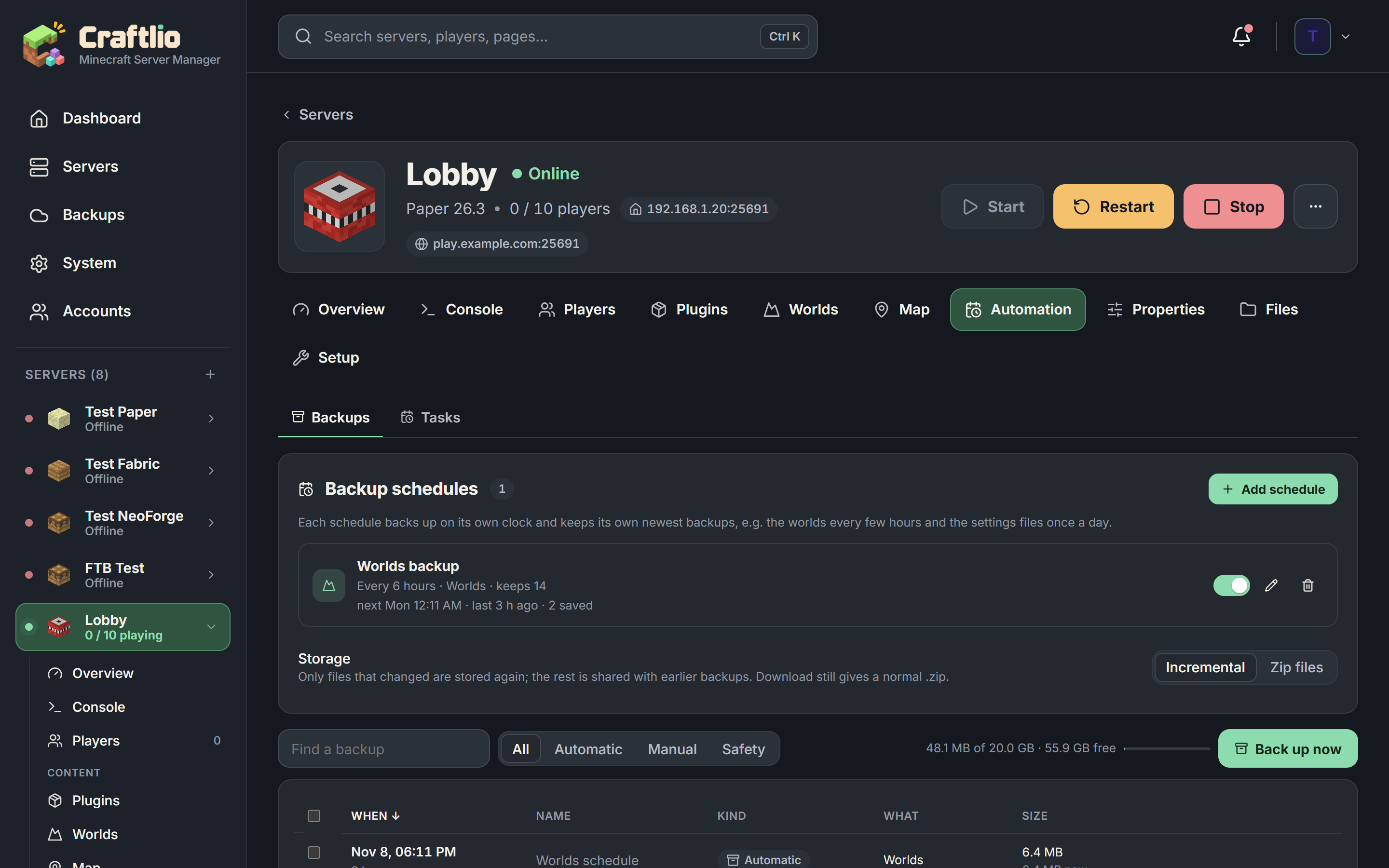
| Backups that only store changesOn a schedule, with a second copy on another drive or in the cloud. | Yes | Partly, or only some | No |
| Restore one player or one areaBring back an inventory or a griefed area without rolling back the world. | Yes | No | No |
| Crash and lag doctorExplains what went wrong in plain words and offers the fix. | Yes | Partly, or only some | No |
| Friends can join from outsideOpens the router port for you, or guides you through a game tunnel. | Yes | Yes | Partly, or only some |
| Invites and family controlsFriends join with a link. Set play hours, a daily limit and a chat filter. | Yes | No | No |
| Safe to sharePer-server permissions, two-factor sign-in, passkeys and an activity log. | Yes | Partly, or only some | No |
| Free, and your files stay homeNo monthly bill, no account. Worlds and backups never leave your machine. | Yes | No | Yes |
YesPartly, or only some hostsNo
Hosting companies differ, so their column shows what's typical.
Take it for a spin
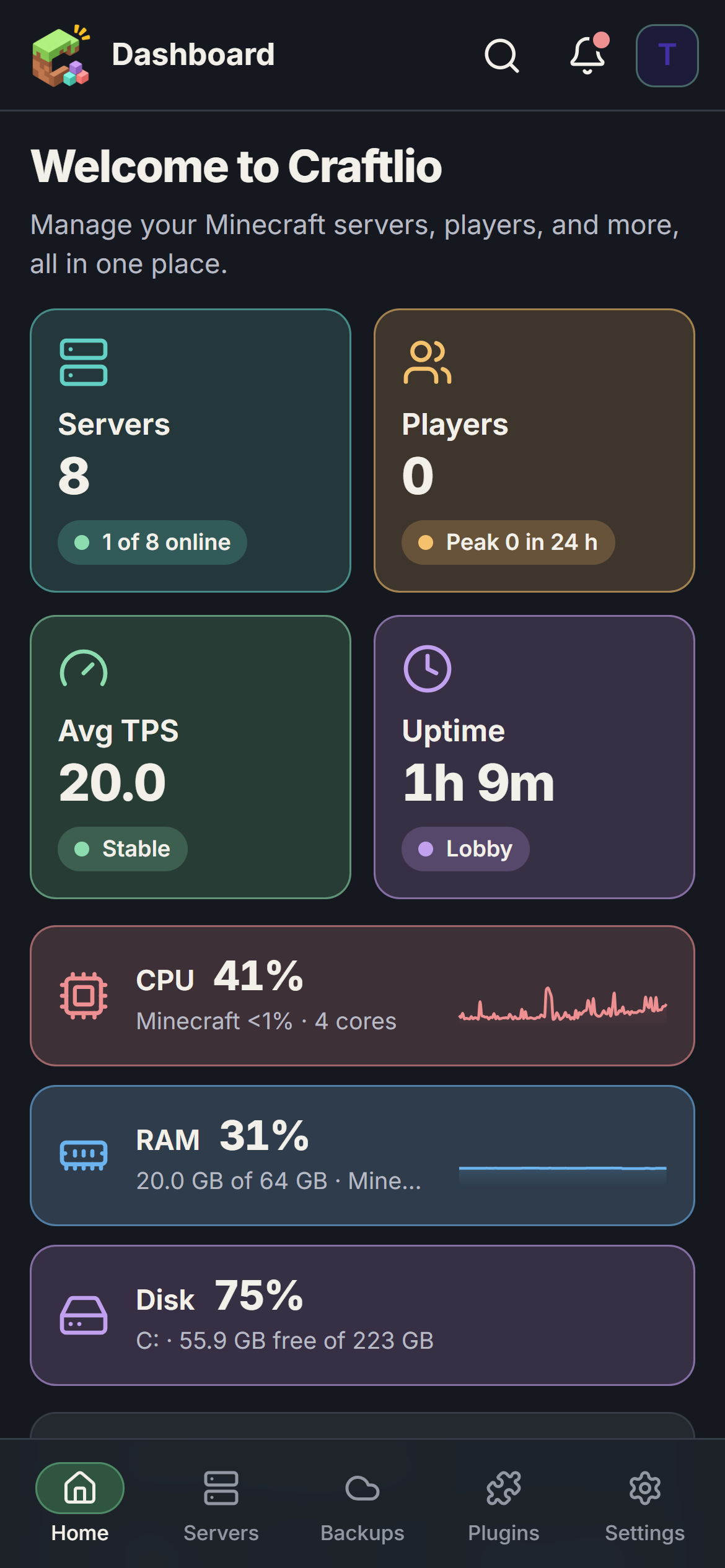
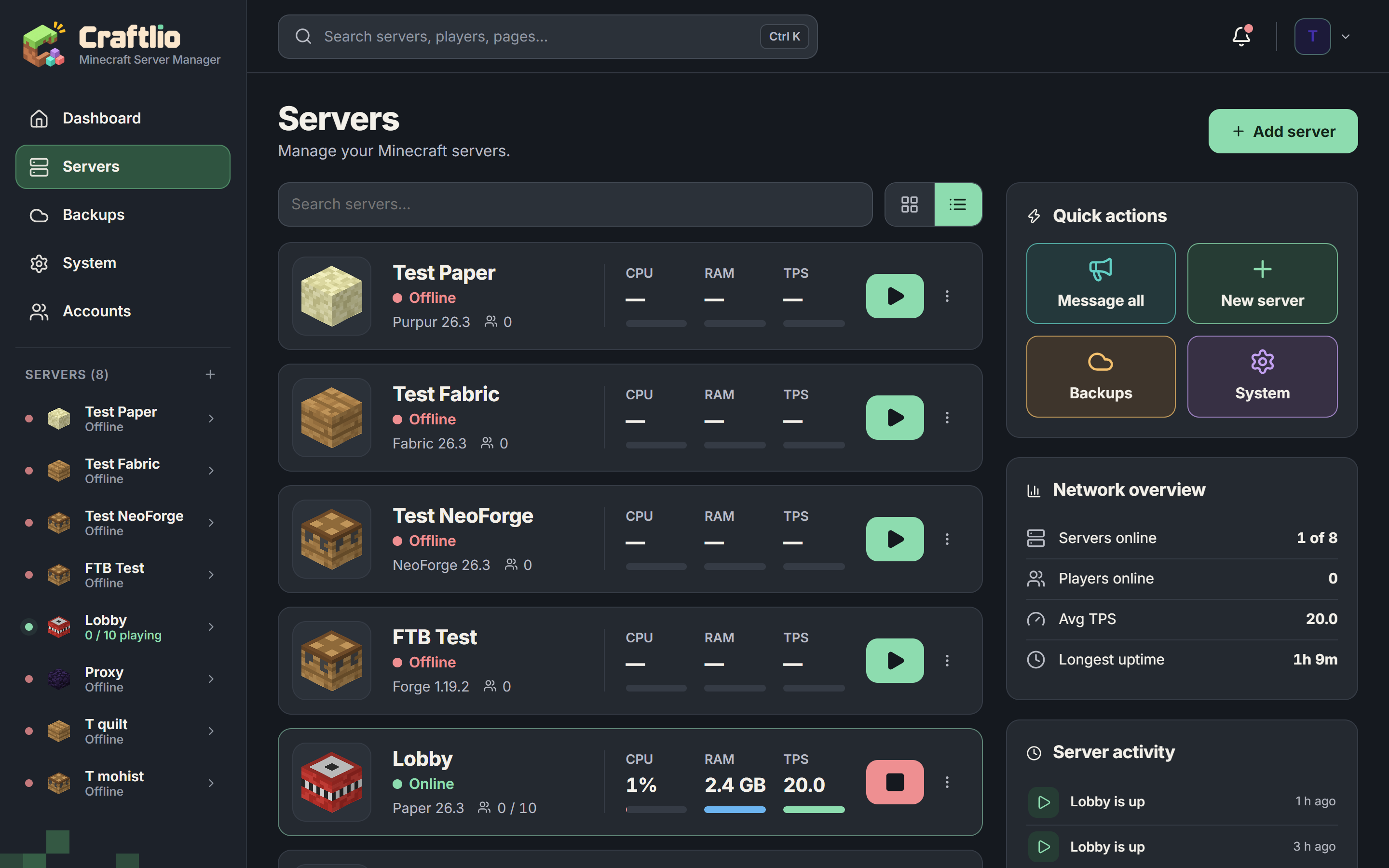
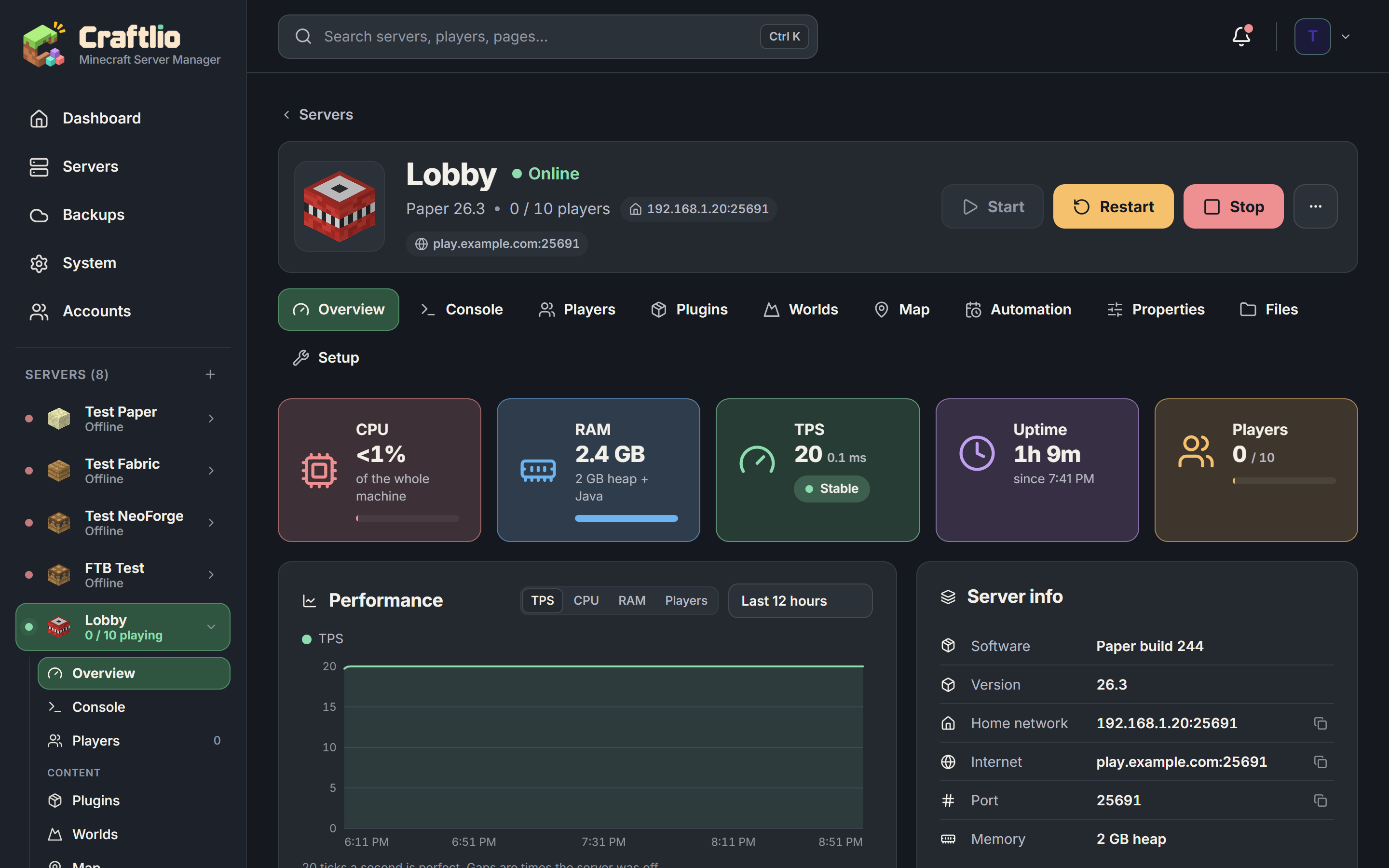
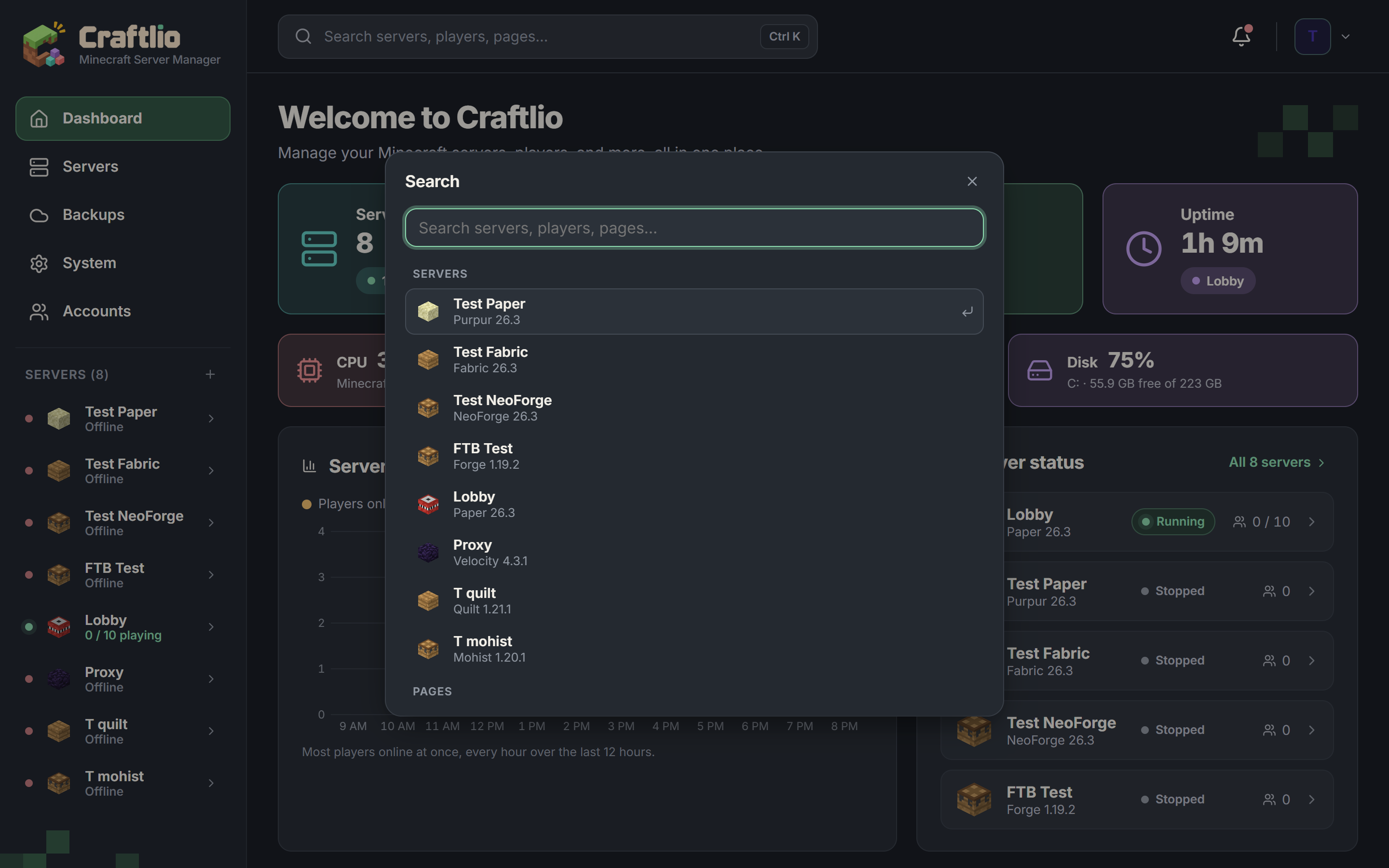
Play with the live demo right here, or flip through screenshots. The demo runs the real interface with pretend servers, so go ahead and press things.
Made by someone who runs a server
Crash doctor
Reads the crash and tells you what happened in plain words, then offers the fix: install the missing mod, turn one off, more memory, the right Java.
Sleep when empty
A quiet server stops by itself and frees its memory. It still shows up in the server list, and wakes the moment a friend tries to join.
Saves your world at shutdown
Turning Windows off? Craftlio stops your servers cleanly first, so nobody loses the last half hour of building.
Up and running in about five minutes
The setup asks before each step and explains what it does.
Run setup
Double-click setup.cmd. It installs Node.js if needed and sets up folders, starting with Windows and the firewall.
Open it
Your browser opens localhost:1999. Create the owner account and your first server.
irm https://craftlio.xyz/install.ps1 | iexQuestions
Is it really free?
Yes. Craftlio is open source under the MIT licence. There's no account to make and nothing to pay. You run it on your own machine.
Does it work on Mac or Linux?
Not yet. Craftlio is built for Windows 10 and 11: it uses Windows features for starting with your machine, the firewall, and saving worlds when Windows shuts down.
How do my friends join?
Forward the game port (TCP 25565) on your router to your machine. If your domain is on Cloudflare, Craftlio can keep a name like play.example.com pointed at your home, even when your internet provider changes your address.
Can I manage it when I'm away from home?
Yes. The safest way is a free Cloudflare Tunnel, which gives Craftlio an https address without opening any ports. Phone notifications and passkeys work over it too.
Where does my data go?
Nowhere. Worlds, backups, accounts and settings stay on your machine. Craftlio goes online to download server software, Java, mods and plugins when you ask, and for things you switch on, like alerts, cloud backups or keeping your domain pointed at home.
Is Craftlio made by Mojang?
No. Craftlio is an independent project and isn't affiliated with Mojang or Microsoft. Minecraft is a trademark of Mojang AB.
Ready to host?
Download Craftlio, run the setup, and have your first server going in minutes.